1
Find the estimate
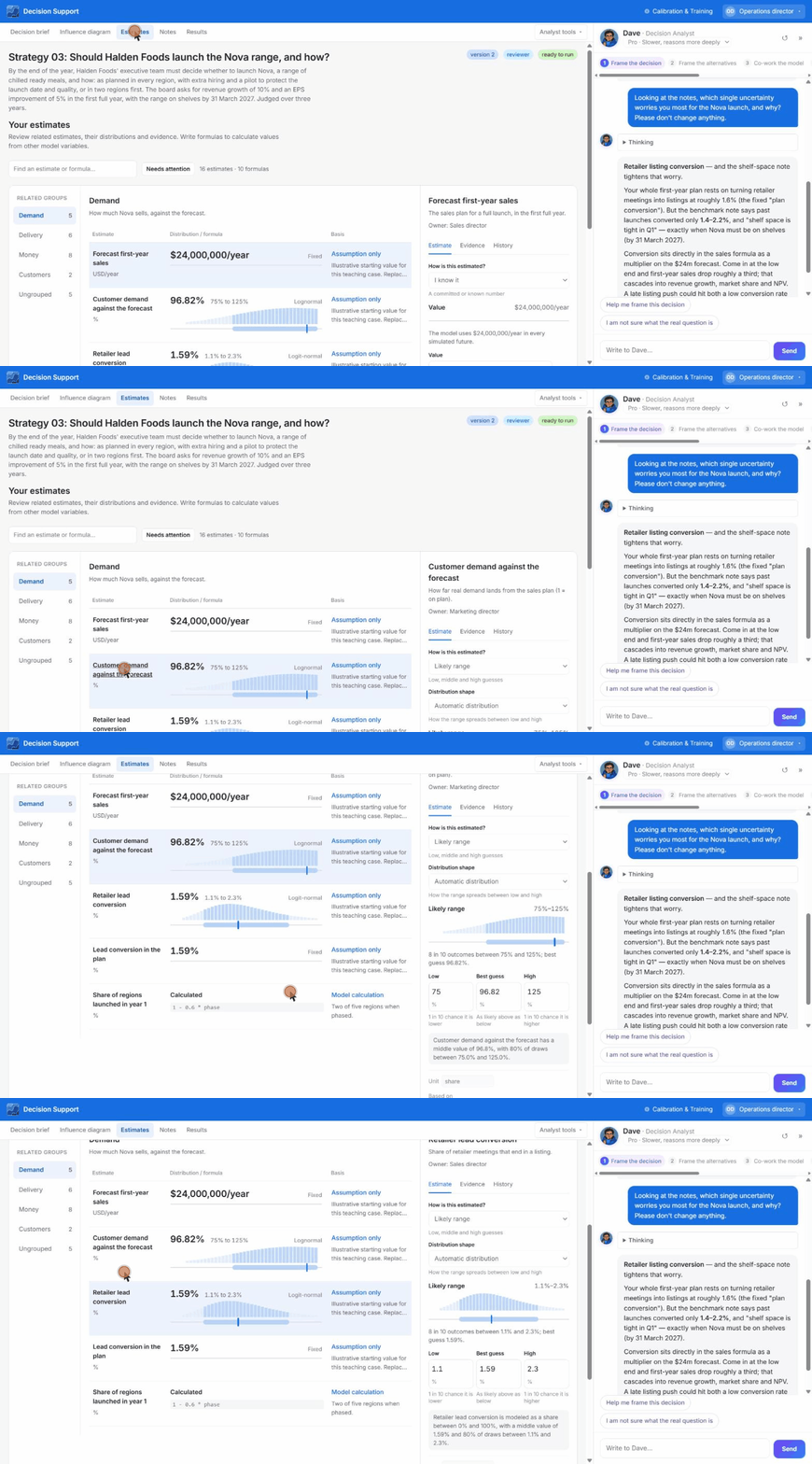
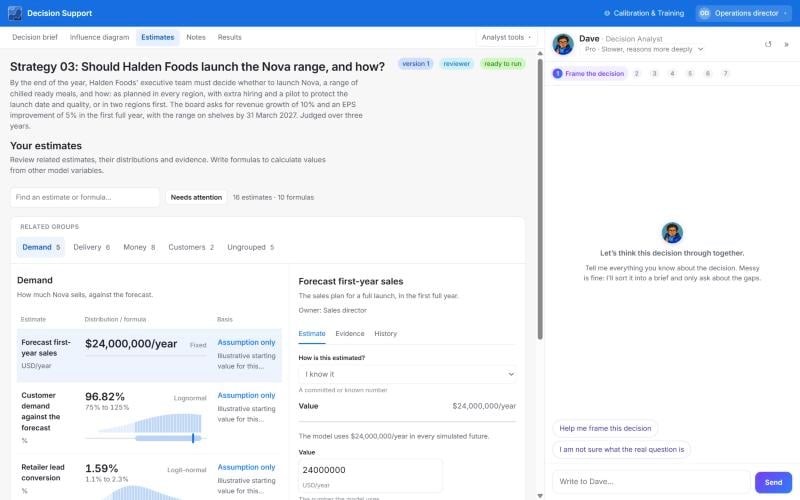
Search by name, or use Needs attention to list estimates still missing a value or evidence.
2
Choose how you describe it
Select the estimate to edit it on the right (tabs: Estimate, Evidence, History). The choices are explained in Choosing how to describe an estimate.
3
Record the unit, basis, owner and evidence
The basis is observed here, external evidence or working estimate.
4
Read the read-back
Expand the row to see a plain-language sentence of what the model understood. Confirm it says what you mean.
Notes on an estimate
Keep an estimate’s description to one sentence plus “See [[note title]]” (240 characters at most). Put the evidence and the reasoning in a note. Saving an estimate with web sources, or accepting a research proposal, writes the evidence note for you. Editing notes or descriptions does not make saved runs out of date.Tips for honest ranges
- Set the range so you would be surprised if the true value fell outside it, not so it is safe.
- Write the low end first. People anchor on the likely value and set ranges too narrow.
- Use Calibration & Training to check how your own ranges have performed. See Calibration.